

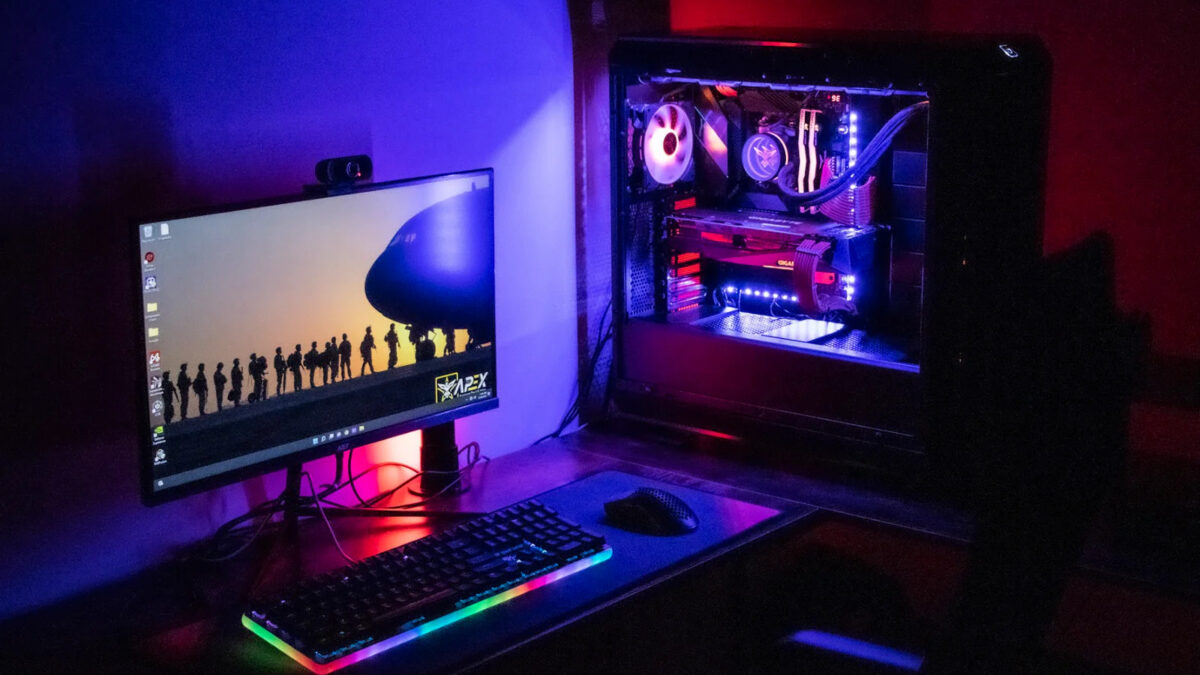
There is a very specific kind of hesitation that hits every new PC gamer. Your new 1440p monitor is sitting on the desk, still wrapped in plastic, and you are staring at a massive cart full of individual PC parts wondering if you really want to spend your entire Saturday seating CPUs and praying for the boot light to behave. Plenty of people just want to play games, and honestly? In 2026, the prebuilt market finally rewards that choice. A solid $2,000 budget gets you a machine that easily pushes past 100 FPS in heavy blockbusters and cruises beyond 200 FPS in competitive titles. Here is exactly what to grab, ranked by what actually matters to you.
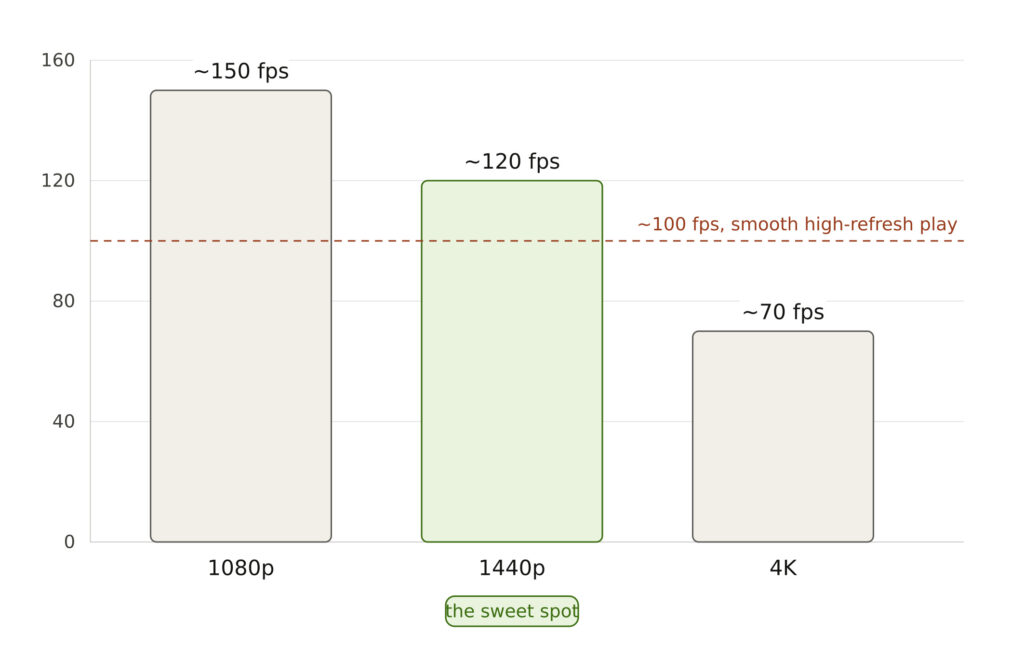
The Sweet Spot: Why 1440p Changes What You Buy
If you just upgraded to a 1440p monitor, you landed in the smartest tier of PC gaming. It is sharp enough to feel like a massive leap from 1080p, but it does not demand the wallet-emptying horsepower of 4K. A graphics card that struggles at 4K will happily sit above 100 FPS at 1440p.
To hit this sweet spot effortlessly, you need at least a GeForce RTX 4070, a CPU that will not bottleneck it (Core i7 or Ryzen 7), and 32GB of DDR5 RAM. Storage also matters more than you think—modern games easily cross 100GB, so you want at least 1TB, but ideally 2TB. Every machine here hits these marks.
1. iBUYPOWER Y40 – Best Value Pick
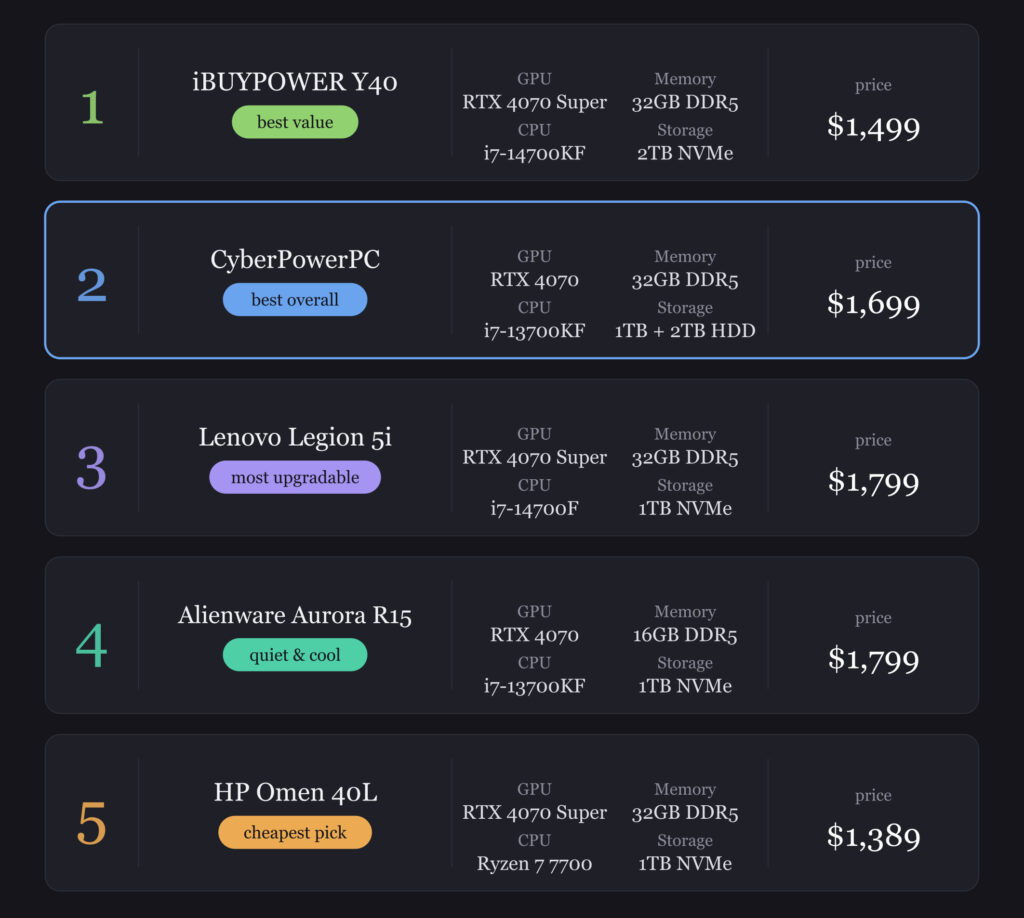
This is the one to grab if you want maximum frames for the lowest sticker price. Sitting right around $1,499, it pairs the Core i7-14700KF (20 cores) with an RTX 4070 Super, 32GB of DDR5-5600, and a massive 2TB NVMe SSD. The storage is a lifesaver; no more uninstalling your favorite games to free up space for a new drop. A 240mm liquid cooler and four case fans keep things running smooth, and it sits on a Z790 board, meaning a future CPU upgrade is totally on the table.
- Best for: Anyone wanting maximum 1440p performance per dollar.
2. CyberPowerPC GXIVR8760A – The Safest All-Rounder
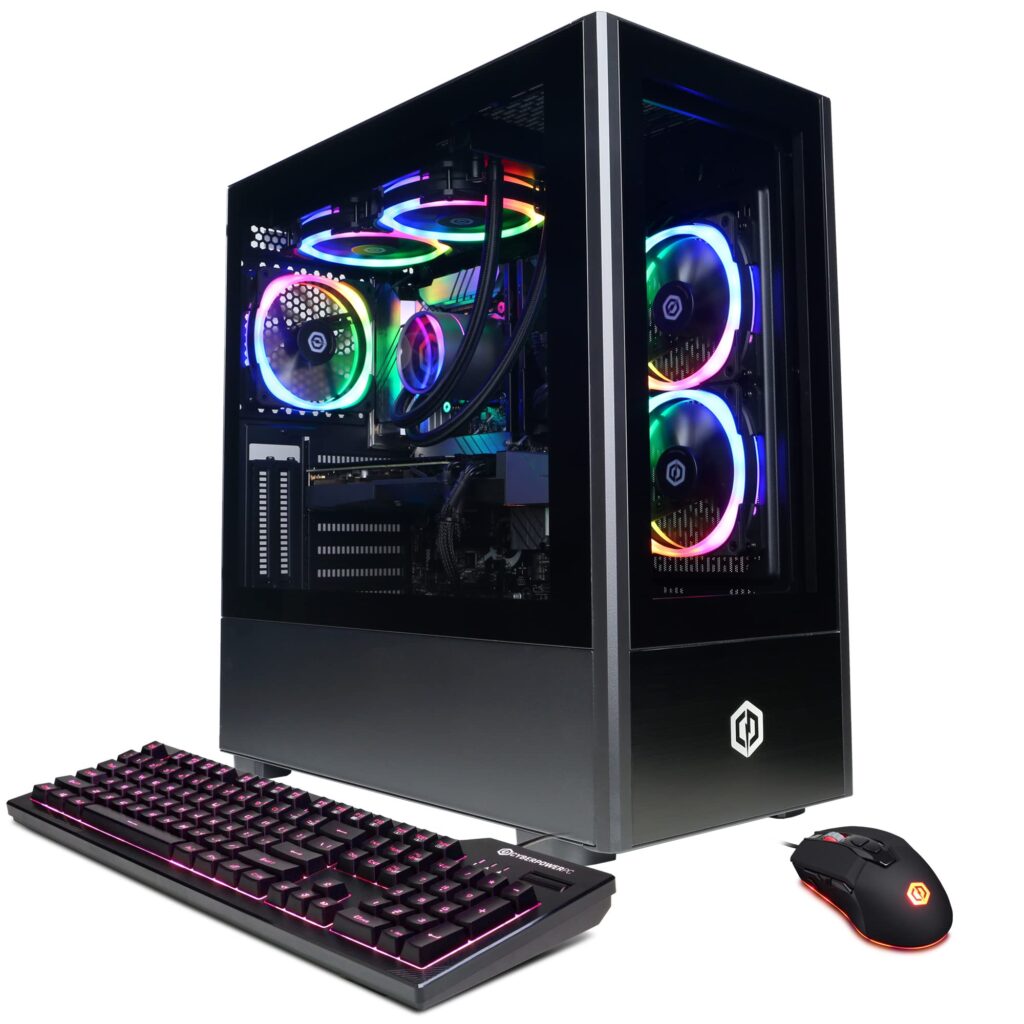
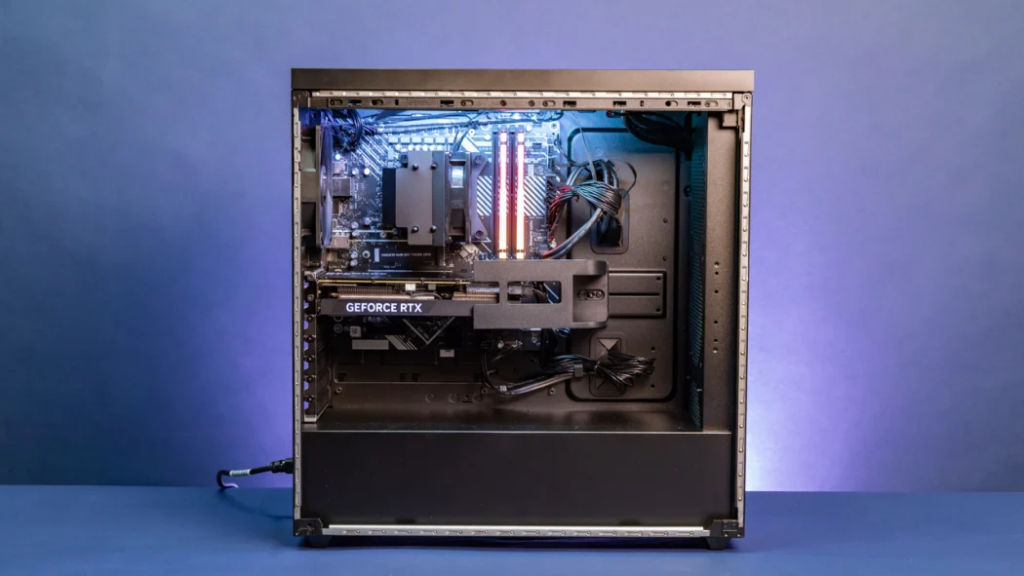
If you just want the safest, most balanced pick, this is it. At roughly $1,699, it runs an i7-13700KF, an RTX 4070, and 32GB of DDR5. The real win here is the smart dual-storage setup: a fast 1TB NVMe for your OS and top games, plus a roomy 2TB hard drive for everything else. It also packs an 850W power supply, giving you serious headroom if you want to drop in a hungrier GPU down the line. It is the machine you buy and completely forget about.
3. Lenovo Legion Tower 5i Gen 8 – Built for the Long Haul
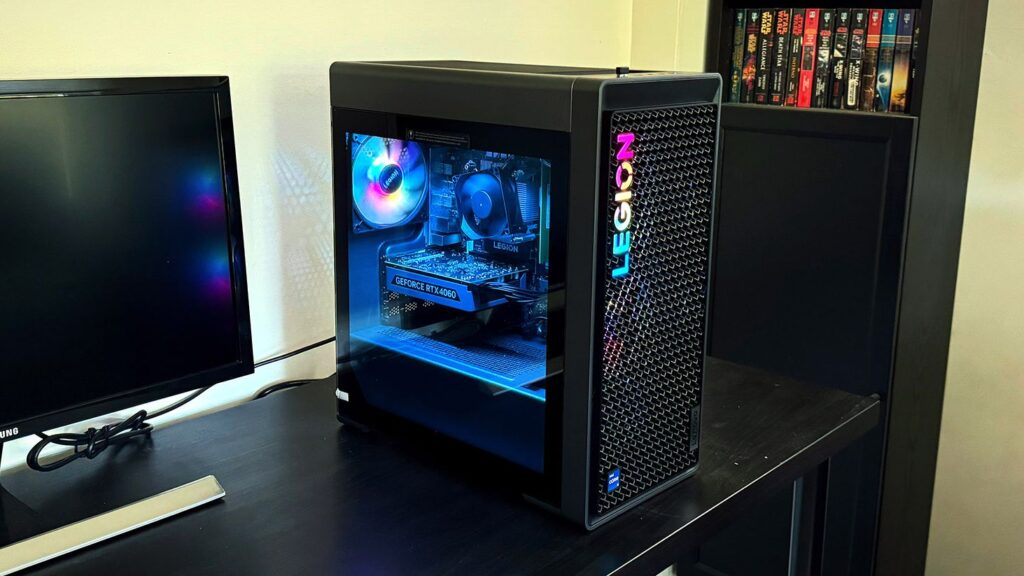
View this as a five-year investment. At about $1,799, the Legion 5i gives you a bit of premium, and most of that goes straight to future-proofing. It matches the others with a Core i7-14700F, RTX 4070 Super, and 32GB of DDR5. The secret weapon? Four RAM slots instead of two. When you inevitably want more memory later, you will not have to throw away your existing sticks. Lenovo is also known for sturdy build quality, making it a rock-solid choice for planners.
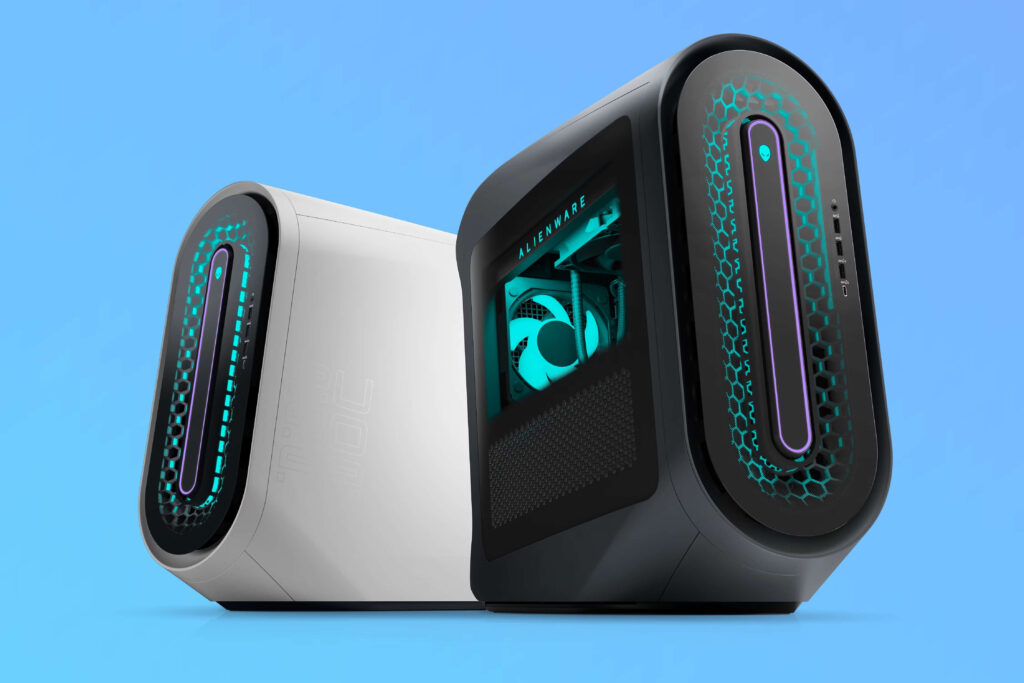
4. Dell Alienware Aurora R15 – For a Quiet, Cool Desk
Not everyone cares about the last ten frames. Some people just want their PC to sound like a gentle breeze rather than a jet engine. The Aurora R15 is exactly that. It uses a five-fan airflow design paired with liquid CPU cooling, keeping the system incredibly cool during heavy sessions. It also features a super-efficient 80+ Platinum power supply. Note: The base model comes with 16GB RAM, so plan to add a second stick right away to hit that smooth 32GB target.
- Best for: Anyone who values a whisper-quiet, cool desk over squeezing out every last frame.
5. HP Omen 40L – The Budget Stealth Hero
This is a genuine value surprise. Often selling around $1,389, it drops an RTX 4070 Super into your lap without breaking the bank. It swaps Intel for an AMD Ryzen 7 7700 paired with 32GB of DDR5 and a 1TB NVMe SSD. For 1440p gaming, the graphics card does 99% of the heavy lifting, so this processor is more than plenty. A clever dedicated rear chamber funnels fresh air directly to the GPU, helping it hold boost clocks longer.
Real-World Frame Rates & What To Skip
Specs on paper are one thing, but what do you actually see on screen? Heavy, modern single-player games will sit comfortably above 100 FPS at 1440p on high settings. The real metric to watch is the "1% low." This number represents those rare, annoying stutters. Across these builds, you can expect your minimums to stay well above that buttery smooth threshold. Throw in competitive titles like CS2, Valorant, or Fortnite, and you are easily blasting past 200 FPS—exactly what a 144Hz monitor craves.
To get the most out of this budget, skip anything stuck on a permanent 16GB RAM setup (treat 32GB as your baseline), avoid building bottlenecks with tiny 500GB SSDs, and do not stretch your budget for 4K-tier GPUs that force you to cut corners on cooling.
Quick Verdict: Which One Is Yours?
If you are hunting the absolute best bang for your buck, the iBUYPOWER Y40 is a slam dunk. Want a completely balanced, worry-free experience? The CyberPowerPC is your default. If silence is your main priority, grab the Alienware R15 and bump the RAM. Looking to tinker and upgrade over the next half-decade? The Lenovo Legion 5i paves the way. And if every single dollar counts, the HP Omen 40L is the undisputed price champion.
Pair any of these with that new display, cap your frame rates, and just game. No screwdrivers, no headaches, just endless wins.